> For the complete documentation index, see [llms.txt](https://docs.phoenixlidar.com/llms.txt). Markdown versions of documentation pages are available by appending `.md` to page URLs; this page is available as [Markdown](https://docs.phoenixlidar.com/3rd-party-software-documentation/bathymetric-lidar-processing-in-riprocess/creating-a-project-in-riprocess/adding-a-camera.md).
# Adding a Camera
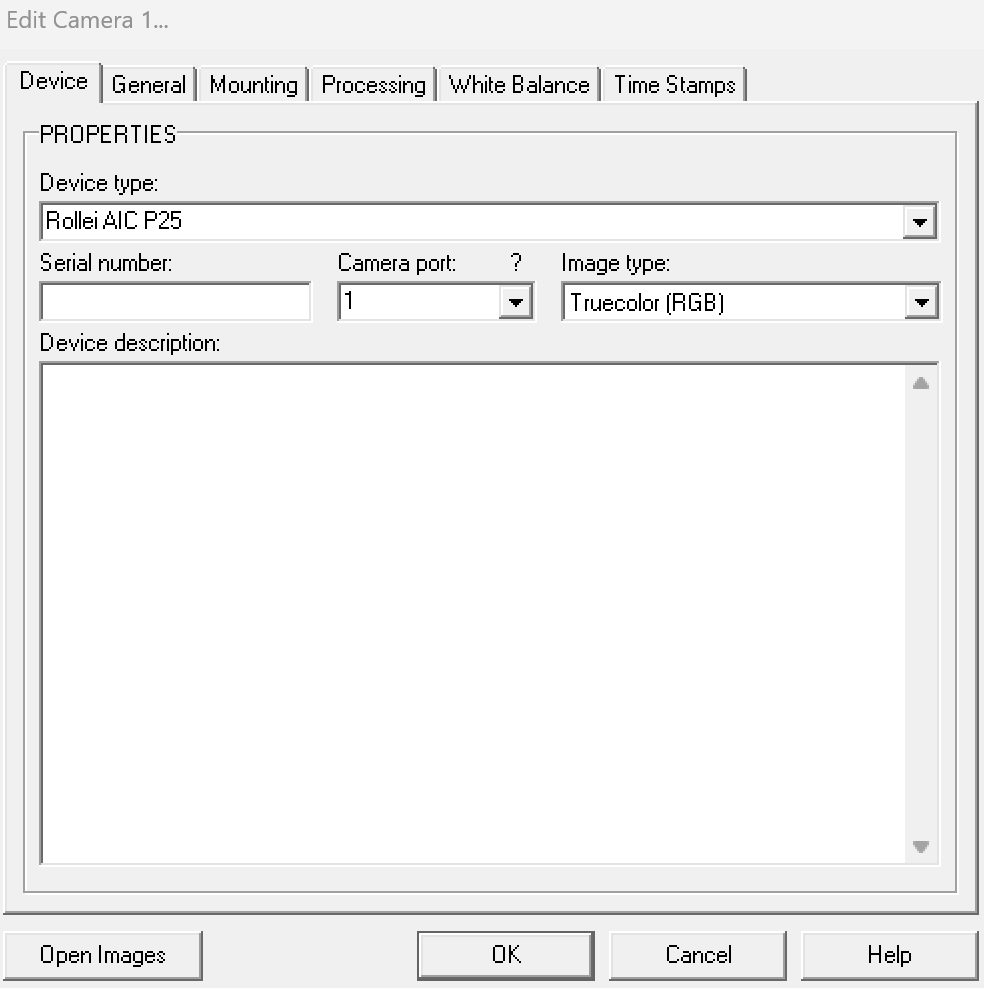
We will add an A7R4 camera. The device type is only a label, so select the Rollei camera:
Next, enter the pixel size, focal length, and principal point for the A7R4: