> For the complete documentation index, see [llms.txt](https://docs.phoenixlidar.com/llms.txt). Markdown versions of documentation pages are available by appending `.md` to page URLs; this page is available as [Markdown](https://docs.phoenixlidar.com/spatialexplorer-8-and-9/user-interface/toolbars/rover/shutdown-rover.md).
# Shutdown Rover
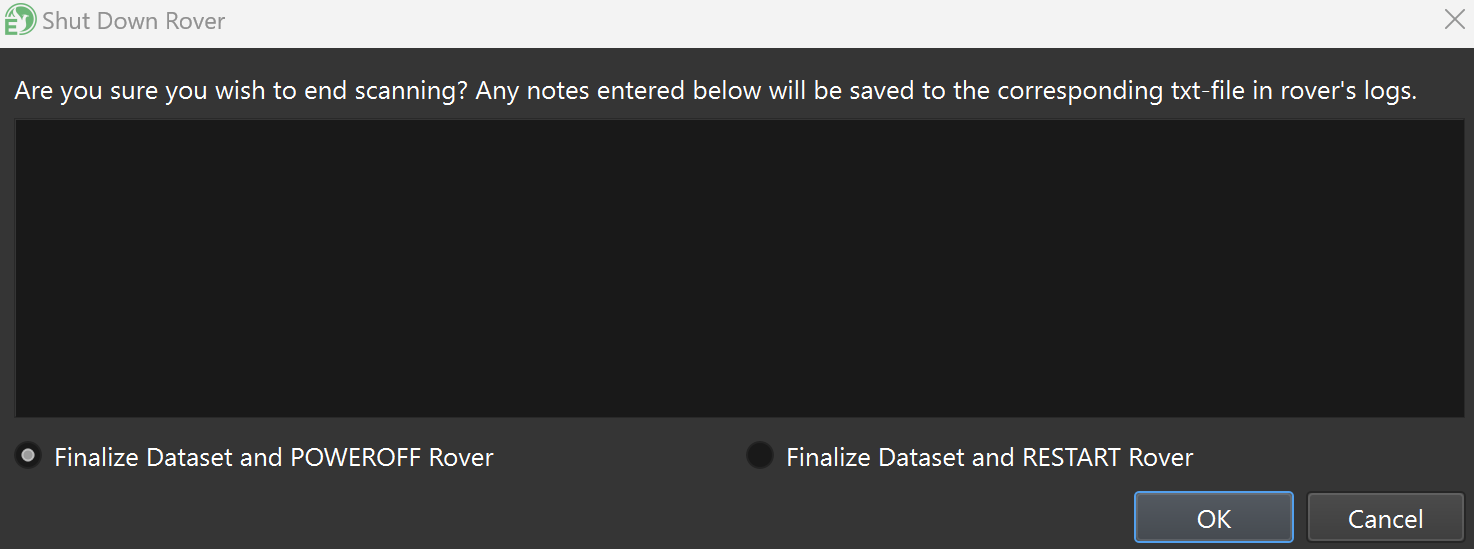
Use this button to remote shutdown the lidar system:
Data set notes can be written in the text field. If you elect to **Finalize Dataset and RESTART Rover**, the lidar system will restart and begin creating a new data set.