# Control Point Clouds

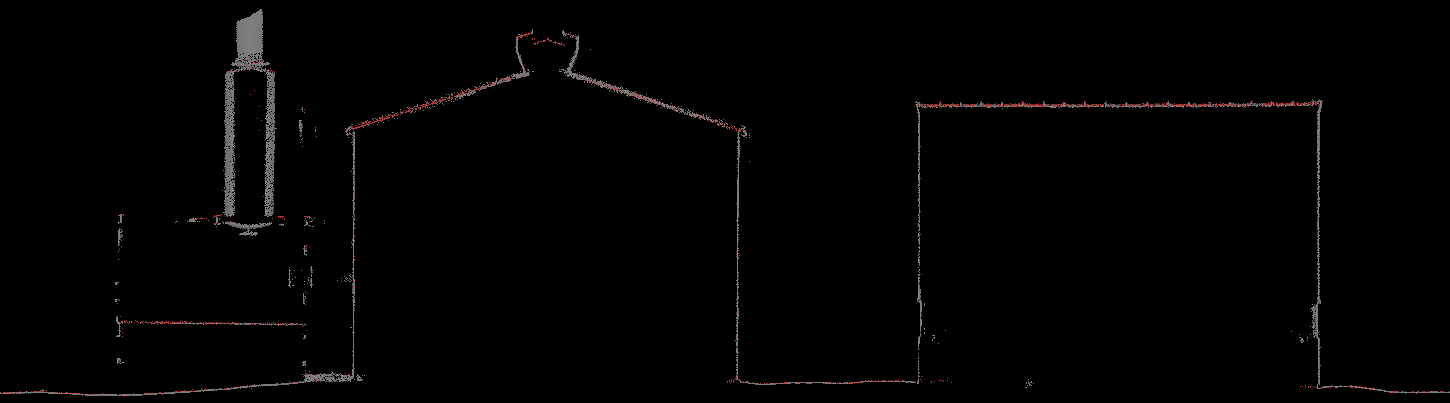
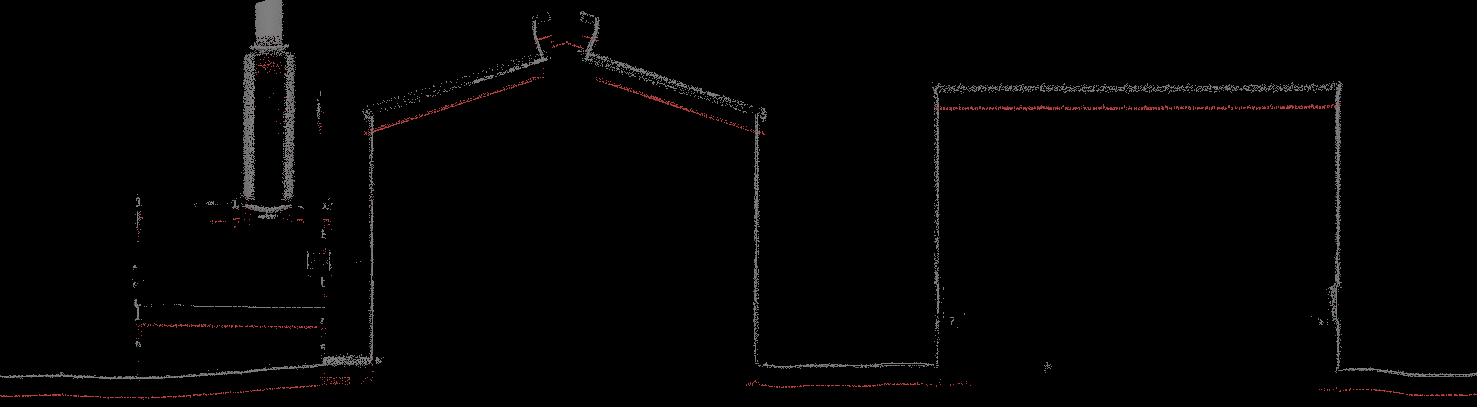
Similar to using ground control with LiDARSnap, a control point cloud can be used as input for LiDARSnap. Below illustrates an example of resolving vertical offsets using a control point cloud:

<figure><img src="https://content.gitbook.com/content/dEevfLZRIk38LUPwDa4V/blobs/3Trk7dwbHlGRIrzxz5SZ/image.png" alt=""><figcaption><p>Before Optimization - Red = Calibrated aerial dataset (Control cloud), Grey = Mobile point cloud from tightly coupled trajectory</p></figcaption></figure>

<figure><img src="https://content.gitbook.com/content/dEevfLZRIk38LUPwDa4V/blobs/12RJxLKASVTO0ftOYGFE/image.png" alt=""><figcaption><p>After Optimization - Red = Calibrated aerial dataset (Control cloud), Grey = Mobile point cloud from LS4 optimized trajectory</p></figcaption></figure>

Control point clouds can be used in two different ways:

### Calibrating one dataset to another

Control point clouds can be particularly useful when one cloud is of a much higher accuracy and reliability than another cloud (e.g. using an aerial cloud as control when adjusting a mobile or SLAM cloud). This process uses the **Calibrate Dataset to Another Dataset** mode.

### Calibrating sensor to sensor within the same dataset

This mode is used for calibrating an auxiliary sensor, such as with multi-sensor mobile systems or systems that use a secondary sensor for SLAM navigation. *Within the same dataset* refers to the sensors' data both referencing the same trajectory.