> For the complete documentation index, see [llms.txt](https://docs.phoenixlidar.com/llms.txt). Markdown versions of documentation pages are available by appending `.md` to page URLs; this page is available as [Markdown](https://docs.phoenixlidar.com/spatialexplorer-8-and-9/user-interface/windows/project/rover/cameras/camera-processing-settings.md).
# Camera Processing Settings
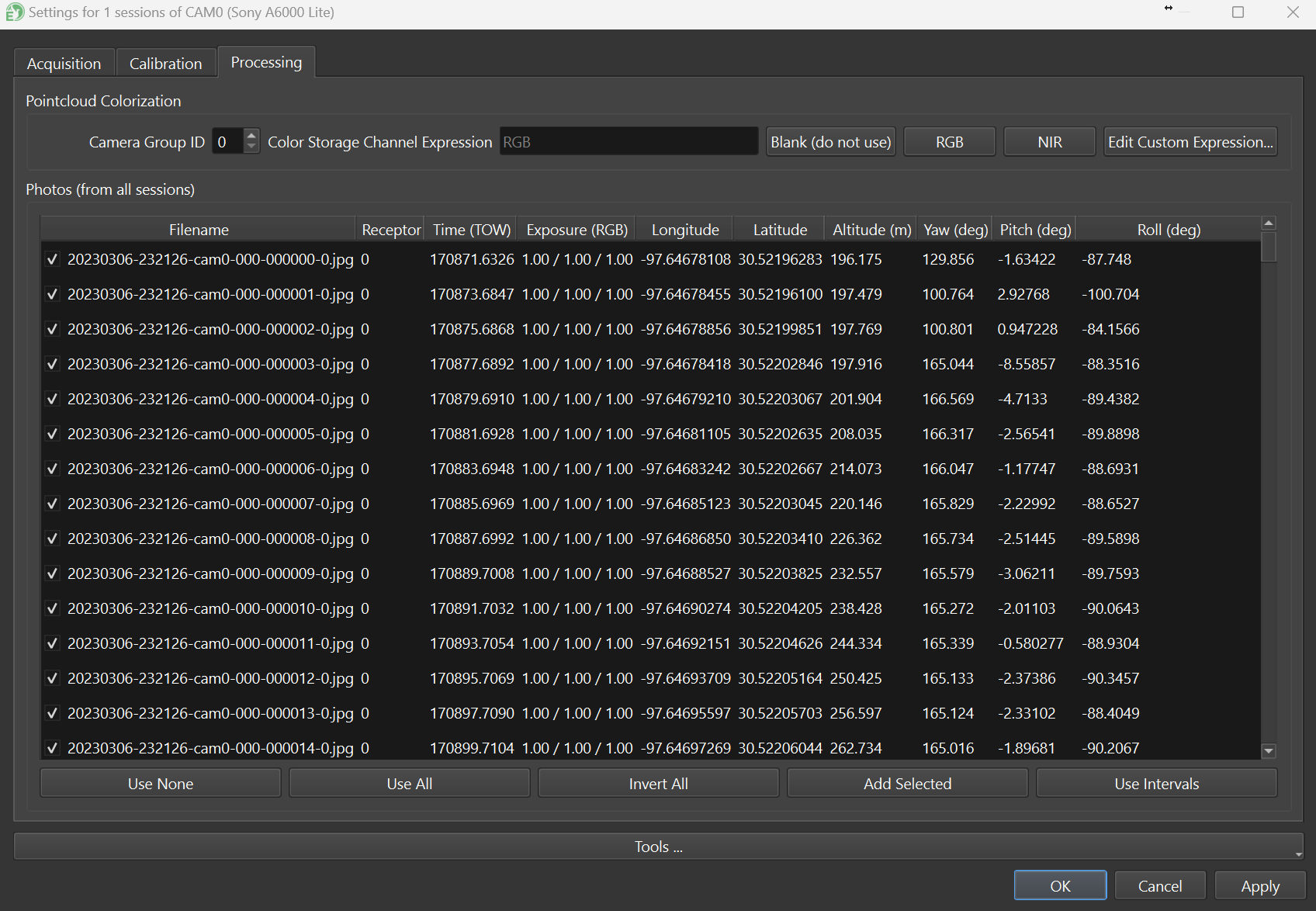
The Processing tab allows for adjustment of the images used for colorization:
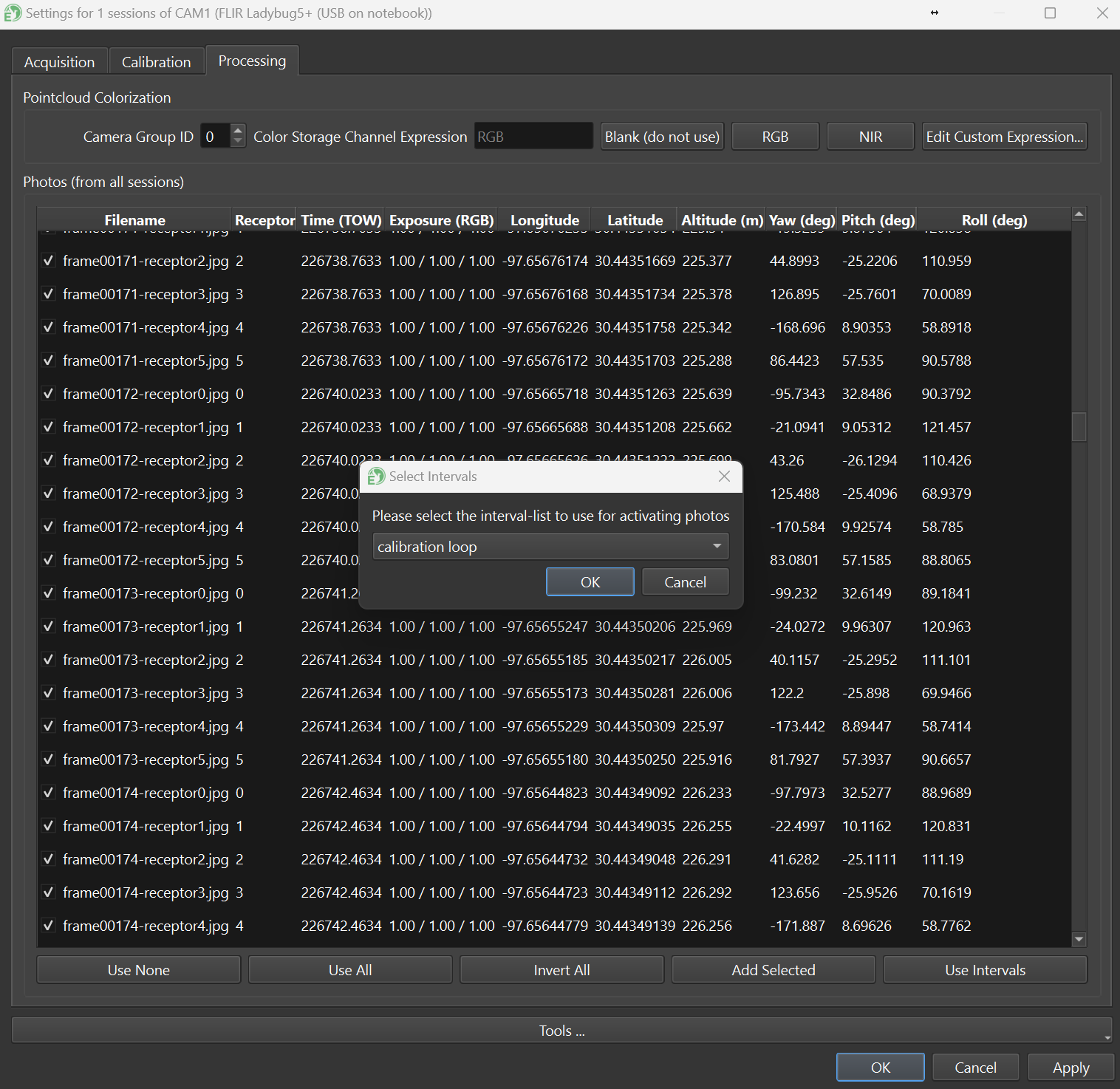
It is advisable to **Use Intervals** (bottom right) which enables only imagery recorded within a processing interval. You can also disable images manually by unselecting them with the **checkbox** next to the filename.
{% hint style="info" %}
Colorization time can be reduced by disabling images that won't be needed for colorization. This is especially true when colorizing with depth maps, as one depth map must be created for every enabled image, which can add considerable processing time with large data sets. It's also recommended to use intervals to deliberately select which images to use for during camera calibration.
{% endhint %}